IB Design Technology IA: A Guide to the Design Cycle
Are you an IB Design Technology student aiming for a stellar IA (Internal Assessment) score? Or perhaps a teacher looking for ways to guide your students more effectively? The Design Cycle is the backbone of the Design Technology IA, and mastering it is crucial for success. This guide will break down each stage of the Design Cycle, providing practical tips, strategies, and insights to help you navigate the IA process with confidence. We'll explore each criterion, offer real-world examples, and even discuss how AI tools can revolutionize your approach to assessment and feedback. By the end of this post, you'll have a clear roadmap to crafting a high-scoring Design Technology IA.
Introduction (Answer the Query Immediately)
The IB Design Technology IA requires a deep understanding and application of the Design Cycle. Your project moves through four stages that match the four assessment criteria: analysing a design opportunity, conceptual design, developing a detailed design, and testing and evaluation. This guide will walk you through each stage, providing useful advice and examples to help you excel. We'll cover everything from identifying user needs to creating a final, well-justified solution. Whether you're just starting your IA or looking to refine your work, this practical guide will provide the knowledge and tools you need to succeed in your IB Design Technology IA. We'll also touch on how innovative AI grading assistants can help both students and teachers simplify the assessment process.
Stuck on your IB draft?
Get instant, detailed feedback on structure, evidence, and reasoning, then compare it with your current school materials.
Understanding the Design Cycle: A Step-by-Step Guide
The Design Cycle is a structured approach to problem-solving and innovation. It's not a linear process; you may find yourself revisiting earlier stages as you learn more and refine your design. Let's dive into each stage:
The IA is assessed against four criteria, each worth 9 marks (HL students are also assessed on additional criteria). The mark bands for each are 1-3, 4-6, and 7-9.
Criterion A: Analysis of a Design Opportunity (9 Marks) - Understanding the Problem
This is where your design journey begins. You need to identify a real problem, research it, and turn that research into a design brief and a specification. This isn't just about finding a problem; it's about understanding the user's perspective, their challenges, and their motivations.
-
Useful Advice:
- Go Beyond the Surface: Don't just identify a problem; dig into its root causes.
- Conduct Thorough Research: Use surveys, interviews, and observations to gather data.
- Write a Detailed Brief: Capture the relevant parameters of the problem, such as users, context, and constraints.
- Justify Your Specification: Every requirement should be measurable and traceable to a research finding.
-
Example: Instead of simply identifying "lack of accessible transportation," investigate the specific challenges faced by elderly individuals with mobility issues in your local community. Interview residents of assisted living facilities, observe their experiences using public transportation, and turn what you learn into specification points such as maximum step height or grip size.
-
Mark Band Guidance:
- 1-3 Marks: You identify a problem, but the brief covers few relevant parameters and the specification is not based on research.
- 4-6 Marks: You identify a suitable problem that leads to a design opportunity, but the brief covers only some parameters and the specification has little link to research.
- 7-9 Marks: You describe a suitable problem and design opportunity, write a detailed brief, and justify every specification point from your research.
Criterion B: Conceptual Design (9 Marks) - Generating and Testing Ideas
Now you develop ideas that could meet your specification and use concept models to test them before committing to one.
-
Useful Advice:
- Explore Several Feasible Ideas: Check each one against the specification rather than choosing your favourite early.
- Model to Learn: Use sketches, paper or card models, CAD, and simple 3D prints, and record what each model taught you.
- Justify Your Choice: Explain why the idea you take forward is the best fit, using your modelling results.
-
Example: For a mobility aid, you might model three handle designs, test them with users, and choose the one that scored best on grip comfort and weight.
-
Mark Band Guidance:
- 1-3 Marks: You develop few ideas in limited depth, present concept models, and choose an idea without justification.
- 4-6 Marks: You develop ideas with reference to the specification and use concept models, but analyse them only briefly and give limited justification.
- 7-9 Marks: You develop feasible ideas that meet the specification, analyse your concept models to guide development, and justify the idea you choose.
Criterion C: Development of a Detailed Design (9 Marks) - Detailing Your Final Design
This criterion asks whether your design is detailed enough for someone else to make the prototype.
-
Useful Advice:
- Justify Materials and Techniques: Explain why each material, component, and manufacturing technique suits the design.
- Make the Drawings Complete: Include dimensions, materials, and assembly details in drawings, CAD, or schematics.
- Plan the Build: Write a detailed production plan (your school may give you a template).
-
Example: Produce dimensioned CAD drawings of the mobility aid, justify using aluminium tubing for weight and strength, and write a step-by-step plan for cutting, joining, and finishing the parts.
-
Mark Band Guidance:
- 1-3 Marks: You list some materials and techniques, but a third party could not make the prototype from your proposal and the plan is incomplete.
- 4-6 Marks: You describe suitable materials and techniques, your proposal has most of the detail a third party would need, and you give a production plan.
- 7-9 Marks: You justify your materials and techniques, your proposal is accurate enough for a third party to make the prototype, and your production plan is detailed.
Criterion D: Testing and Evaluation (9 Marks) - Proving It Works
Finally, you test the prototype and evaluate it honestly against your specification.
-
Useful Advice:
- Justify Your Testing Strategy: Decide how you will test each specification point, including tests with real users.
- Evaluate Against the Whole Specification: Use test evidence, not opinion.
- Think About Knock-On Effects: When you suggest improvements, explain how each change would affect the rest of the design.
-
Example: Test the mobility aid with users, measure its weight and stability, compare the results with each specification point, and explain how a wider base would improve stability but make it harder to fold.
-
Mark Band Guidance:
- 1-3 Marks: You state a testing strategy, evaluate the prototype against few specification points without test evidence, and list improvements.
- 4-6 Marks: You describe a testing strategy, evaluate the prototype against some specification points, and outline improvements.
- 7-9 Marks: You justify a testing strategy, evaluate the prototype against the full specification, and show how improvements would affect the design as a whole.
Common Challenges and Mistakes in the Design Technology IA
Many students struggle with similar challenges when completing their Design Technology IA. Here are some common pitfalls to avoid:
- Insufficient Research: Failing to conduct thorough user research can lead to a poorly defined problem and ineffective solutions.
- Solution: Dedicate ample time to research and gather data from your target user group.
- Vague Design Brief: A poorly defined design brief can result in a lack of focus and direction.
- Solution: Use the SMART framework to ensure your design specifications are clear, measurable, and achievable.
- Lack of Prototyping: Skipping the prototyping stage can lead to design flaws and usability issues.
- Solution: Create multiple prototypes and test them with real users to gather feedback and refine your design.
- Inadequate Justification: Failing to justify your design choices can result in a lower score.
- Solution: Clearly explain how your design meets each of the design specifications you outlined in your design brief.
- Poor Time Management: Procrastination can lead to rushed work and lower quality.
- Solution: Create a detailed timeline and break down the IA into smaller, manageable tasks.
Advanced Tips and Strategies for a Top-Scoring IA
Want to improve your IA? Here are some advanced tips and strategies:
- Focus on Innovation: Strive to create a novel and innovative solution to the problem you've identified.
- Consider Sustainability: Incorporate sustainable design principles into your project.
- Demonstrate Critical Thinking: Show that you've carefully considered the pros and cons of different design options.
- Seek Feedback Regularly: Ask your teacher, peers, and other experts for feedback throughout the IA process.
- Reflect on Your Learning: Reflect on what you've learned throughout the IA process and how you've grown as a designer.
Check your own draft
Get estimated marks by criterion, comments on your writing, and a clear list of what to fix first.
Technology and Modern Assessment: Using AI in the IB
Technology is changing education, and assessment is no exception. AI tools are changing the way students learn and teachers assess their work. In the context of the IB Design Technology IA, technology can play a significant role in various stages of the Design Cycle. CAD software, simulation tools, and data analysis platforms can enhance your design process and improve the quality of your work.
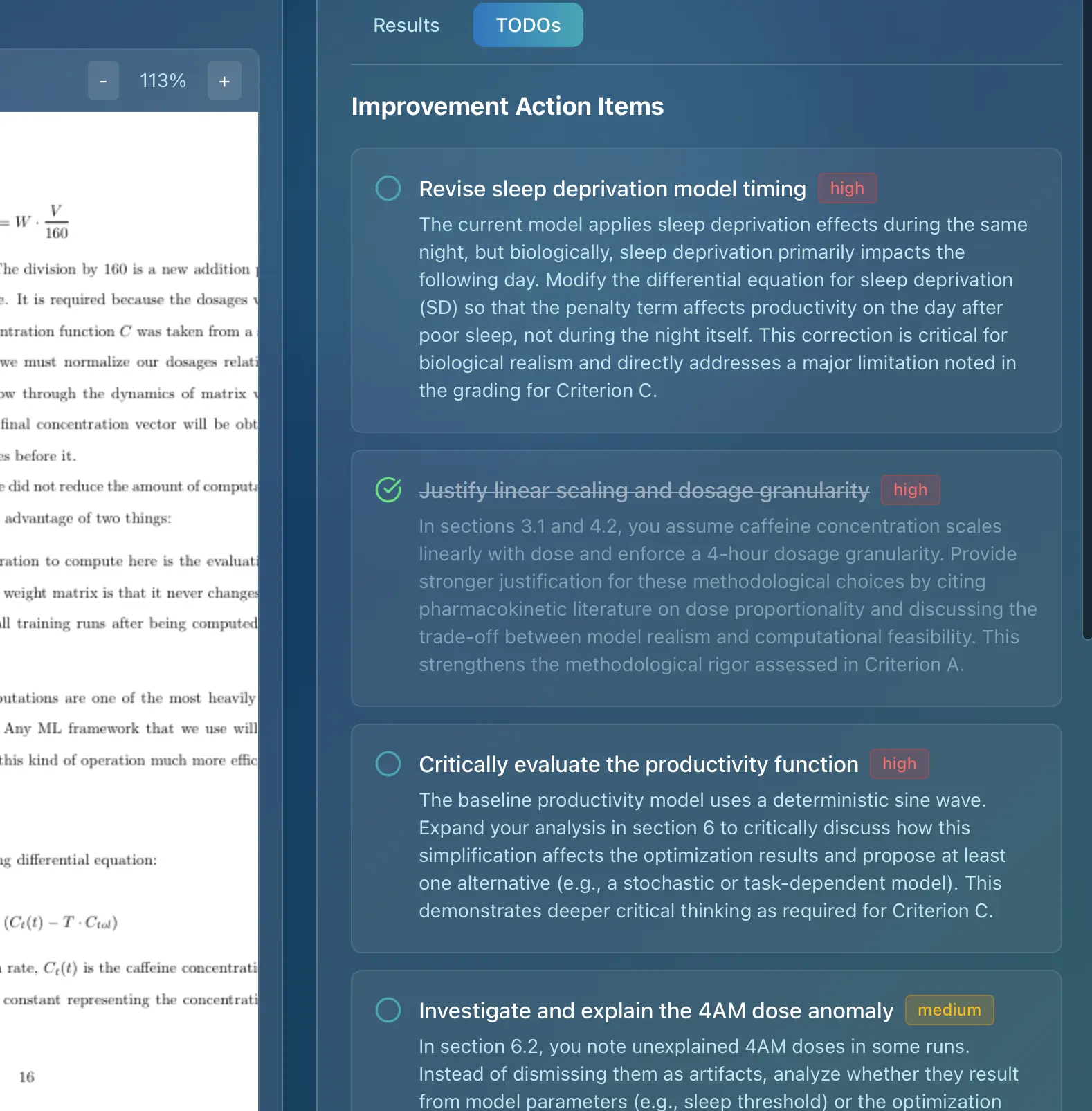
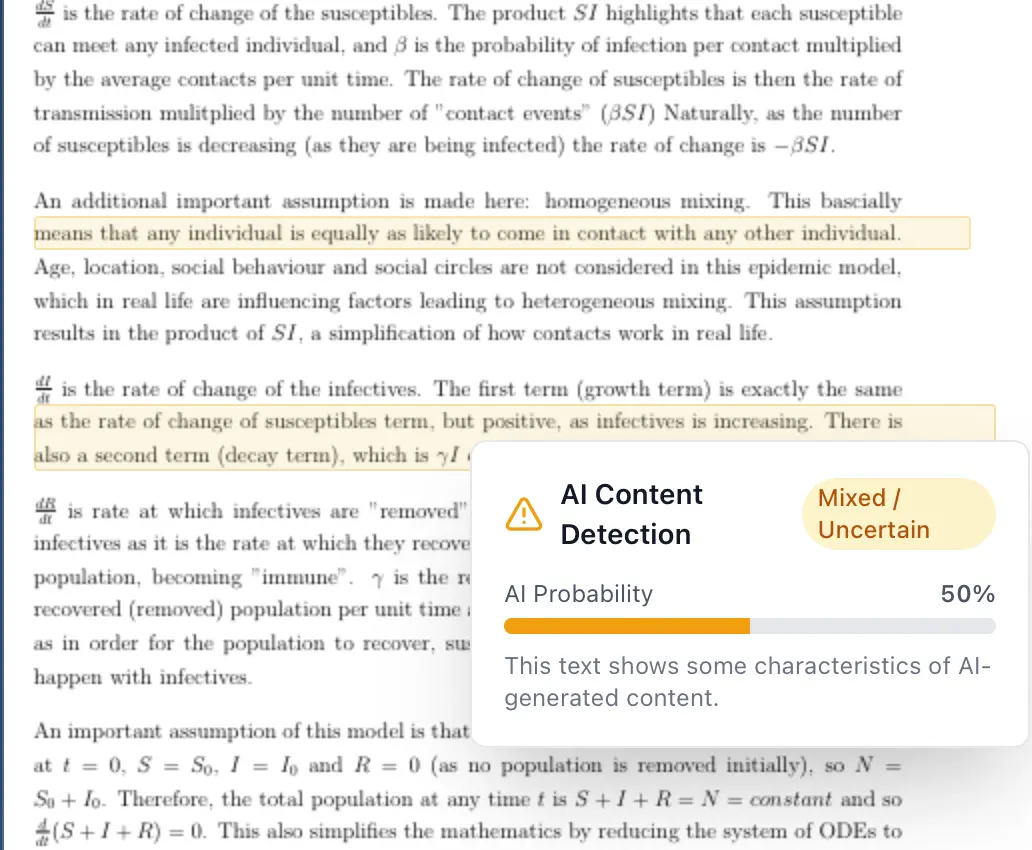
Furthermore, AI grading assistants like Marksy are emerging as valuable resources for both students and teachers. Marksy provides instant, detailed, and rubric-aligned feedback on student work based on official IB rubrics. This helps students understand exactly how to improve their work and allows teachers to save time while maintaining assessment quality.
Marksy uses official IB criteria to support rubric alignment and consistency, providing rubric-aligned scoring, detailed criterion-by-criterion feedback, and suggestions for improvement. Imagine receiving instant feedback on your IA draft, highlighting areas where you excel and areas where you need to improve, all aligned with the official IB rubric. This level of personalized feedback can significantly enhance your learning and improve your IA score. For teachers, Marksy streamlines the grading process, allowing them to provide consistent and detailed feedback to all students in a fraction of the time. This frees up valuable time for lesson planning, student support, and other important tasks.
Conclusion with Clear Next Steps
Mastering the IB Design Technology IA requires a thorough understanding of the Design Cycle, a commitment to rigorous research and experimentation, and a willingness to seek feedback and iterate on your designs. By following the tips and strategies outlined in this guide, you'll be well-equipped to create a high-scoring IA that showcases your design skills and creativity.
Next Steps:
- Review the IB Design Technology Subject Guide: Familiarize yourself with the official assessment criteria and requirements.
- Choose a Meaningful Problem: Select a problem that you're passionate about and that has a real impact on users.
- Start Early and Plan Ahead: Create a detailed timeline and break down the IA into smaller, manageable tasks.
- Seek Feedback Regularly: Ask your teacher, peers, and other experts for feedback throughout the IA process.
- Explore AI Grading Assistants: Consider using tools like Marksy to receive instant, detailed, and rubric-aligned feedback on your work.
Ready to simplify your IB Design Technology IA grading process or get instant feedback on your own work? Try Marksy for free today and experience the power of AI assessment! Sign up for a free trial and see how Marksy can help you achieve a top score or save valuable time in your grading process.